Skip to content

Side project · open source

Grimorio, your visual library on your own disk

I love Eagle, which is where I kept all my visual references. When I moved to Linux I had to leave it behind, and none of the alternatives I found won me over, so I built my own. Today it is free for anyone to use.

Download version 0.1.0

Windows may warn about an unknown publisher because the installer is not signed yet. Click “More info” and then “Run anyway”. All releases

Grimorio in one minute. Selecting, tagging, searching, saving a dynamic folder, the viewer and a 3D model.

What it does

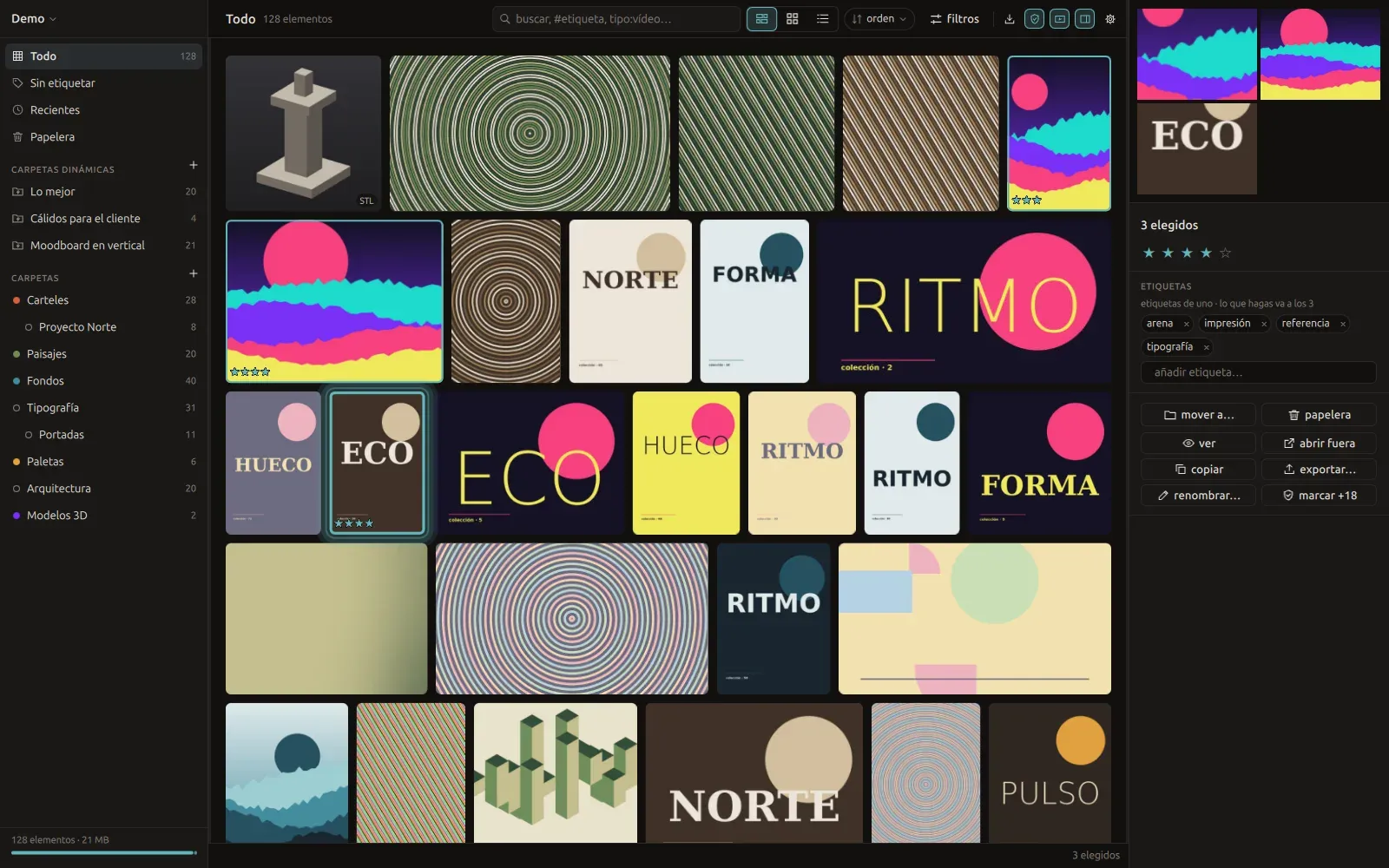
It keeps images, video, audio, PDFs and 3D models in a library you can search instantly, even with a hundred thousand references inside.

You organize with tags, stars, colors and folders. Dynamic folders fill themselves from a filter, like “five stars in warm colors”.

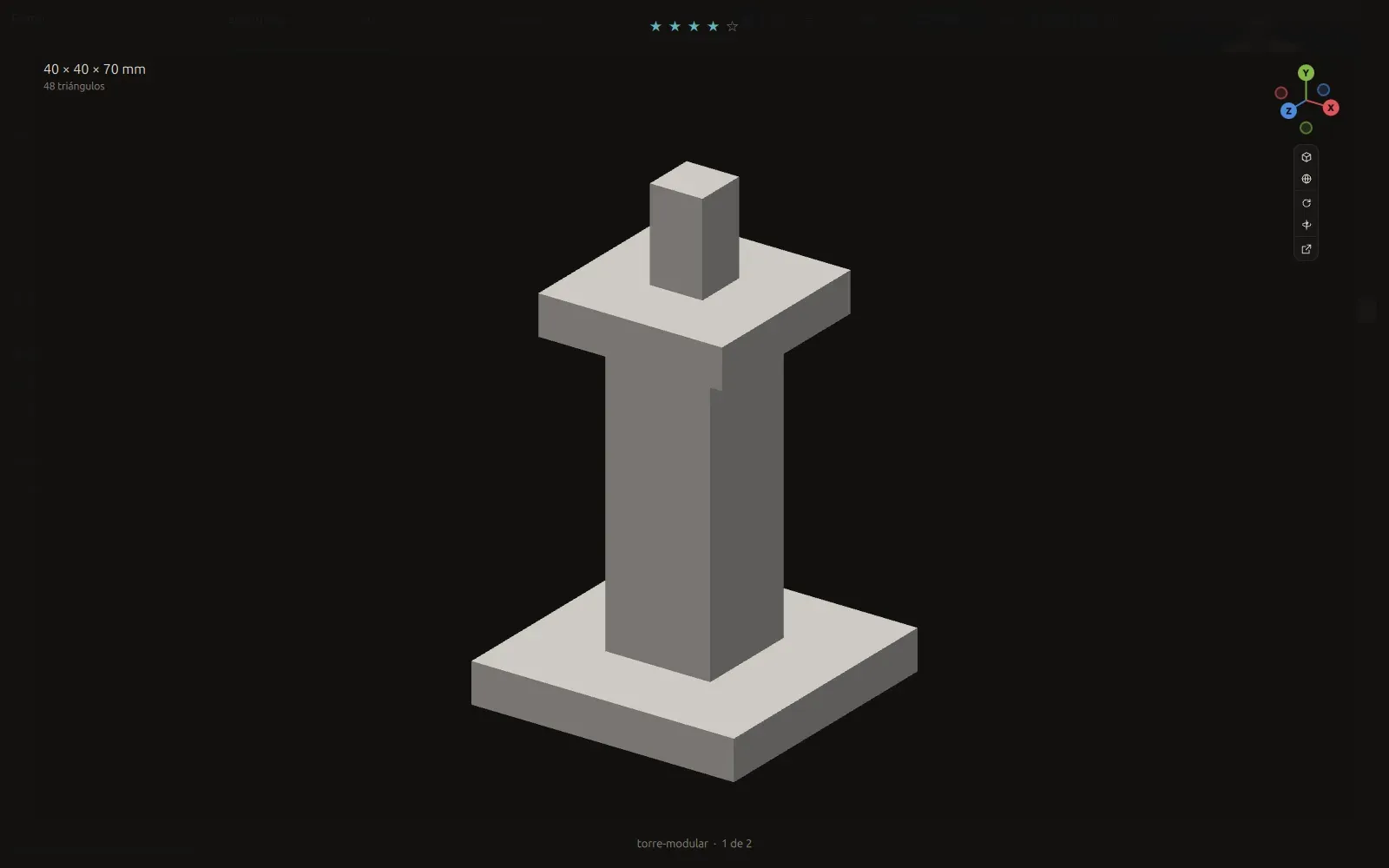
The viewer zooms down to the pixel, shows audio waveforms and rotates 3D models with Blender-style axes.
Your data is yours

The library is a regular folder on your disk. You can sync it, back it up, or take it to another app with your tags intact.

How it is built

A Rust core that imports, indexes and searches, and a native Qt interface. No embedded browser, no cloud and no AI.

The Grimorio library with one reference selected and its details open beside it.The Grimorio viewer rotating a 3D model.

Screenshots, details and the demo are on the project website.

Go to grimorio.frederickandrade.comBack to the odds and ends drawer